
Supercharge paid ads with LinkedIn integration
Stay on top of your marketing game and connect all your data in one place with ASK BOSCO®. Our LinkedIn integration allows you to create concise, informative reports at the click of a button. And the best part? There’s no coding required.

Trusted by the world’s leading brands & agencies





Boost your Google Ads success
With ASK BOSCO®
- Centralized data management
- Personalized budgets and data-led forecasting
- Optimized budget recommendations
- Benchmarks against competitors
- Enhanced ROI tracking
- Real-time performance insights
Without ASK BOSCO®
- Scattered data management
- Generic budgeting and forecasting
- Manual budget adjustments
- Limited insight into competitor performance
- Basic ROI analysis
- Delayed performance updates
Integrate in just a few clicks!
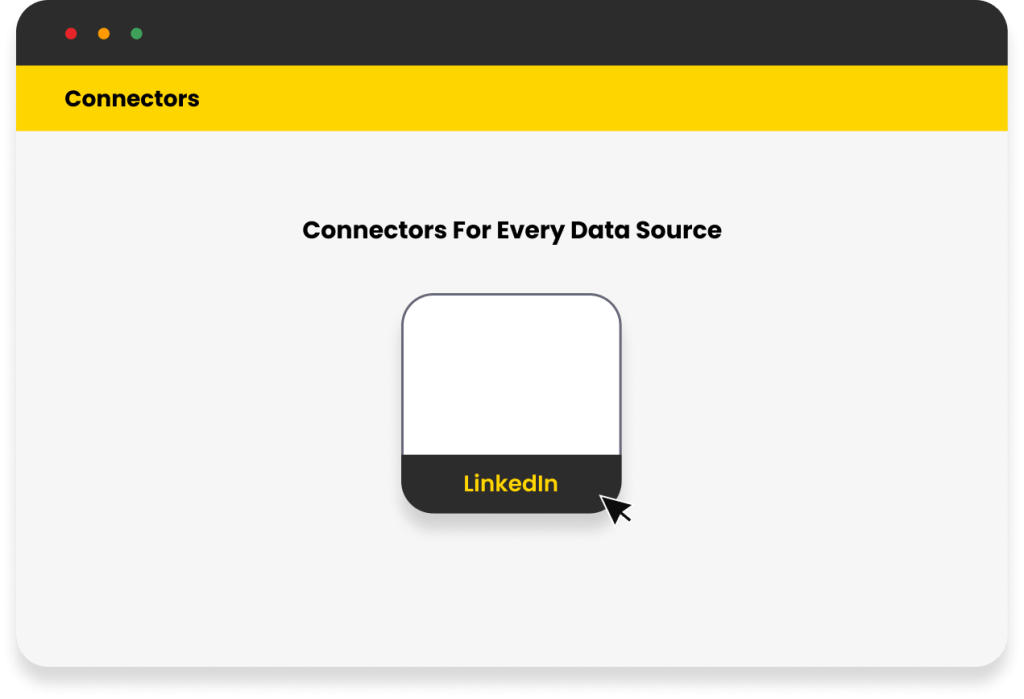
 Connect your account
Connect your accountThere’s no coding required when it comes to pulling your LinkedIn data through the ASK BOSCO® platform.
 Create instant reports
Create instant reportsOur platform pulls in your data and instantly fills out the reports, so you can hit the ground running.
 Optimize and forecast
Optimize and forecastAccess instant, accurate paid social reporting for unbeatable visibility of your LinkedIn performance.
Weekly, monthly and ad hoc reports in minutes
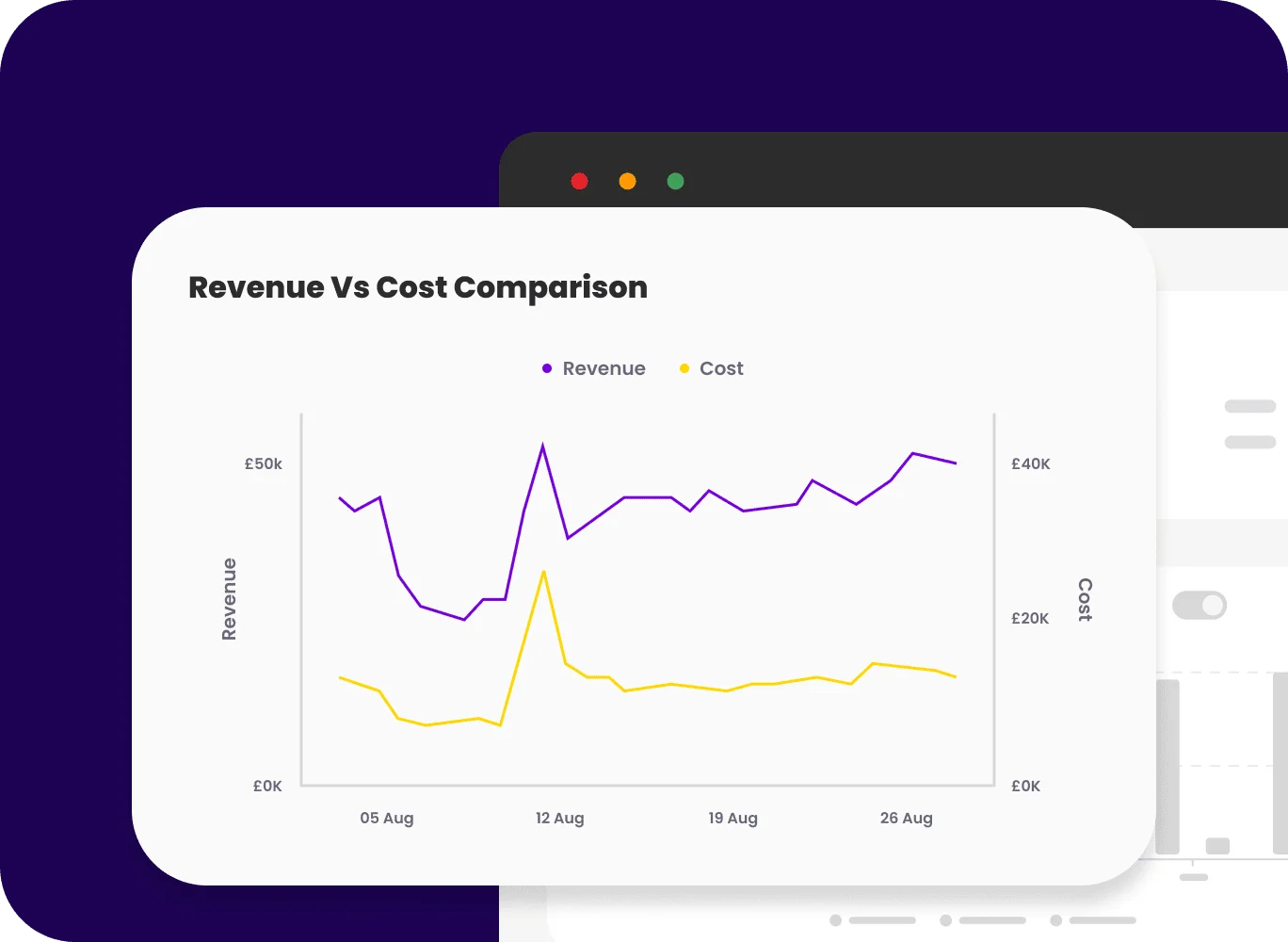
Get your LinkedIn insights faster than ever. With just a few clicks, pull instant reports from the world’s largest business network. Your marketing data is gathered and ready to go to your clients (or your boss!) – no more digging for numbers. Go one step further and integrate all your data sources to maximize the impact of your entire strategy.
Save 95% of your team’s time by streamlining your reporting
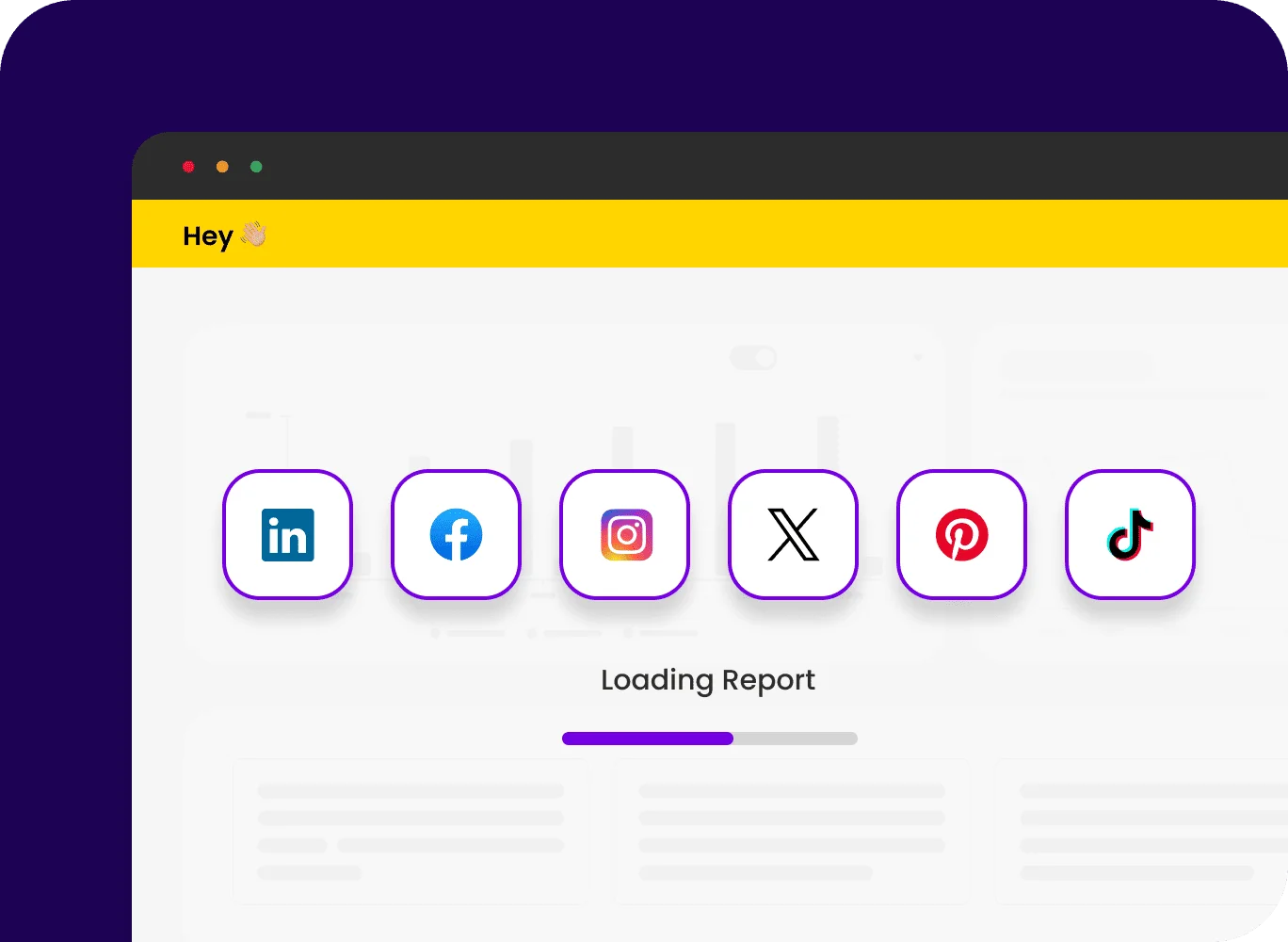
ASK BOSCO® brings LinkedIn data together with other social platforms such as Facebook, Instagram, or Twitter, into one central dashboard. Saving you time, eliminating the need for manual data merging and allowing you to analyze metrics such as engagement rates, click-through rates, and cost-per-lead side by side.
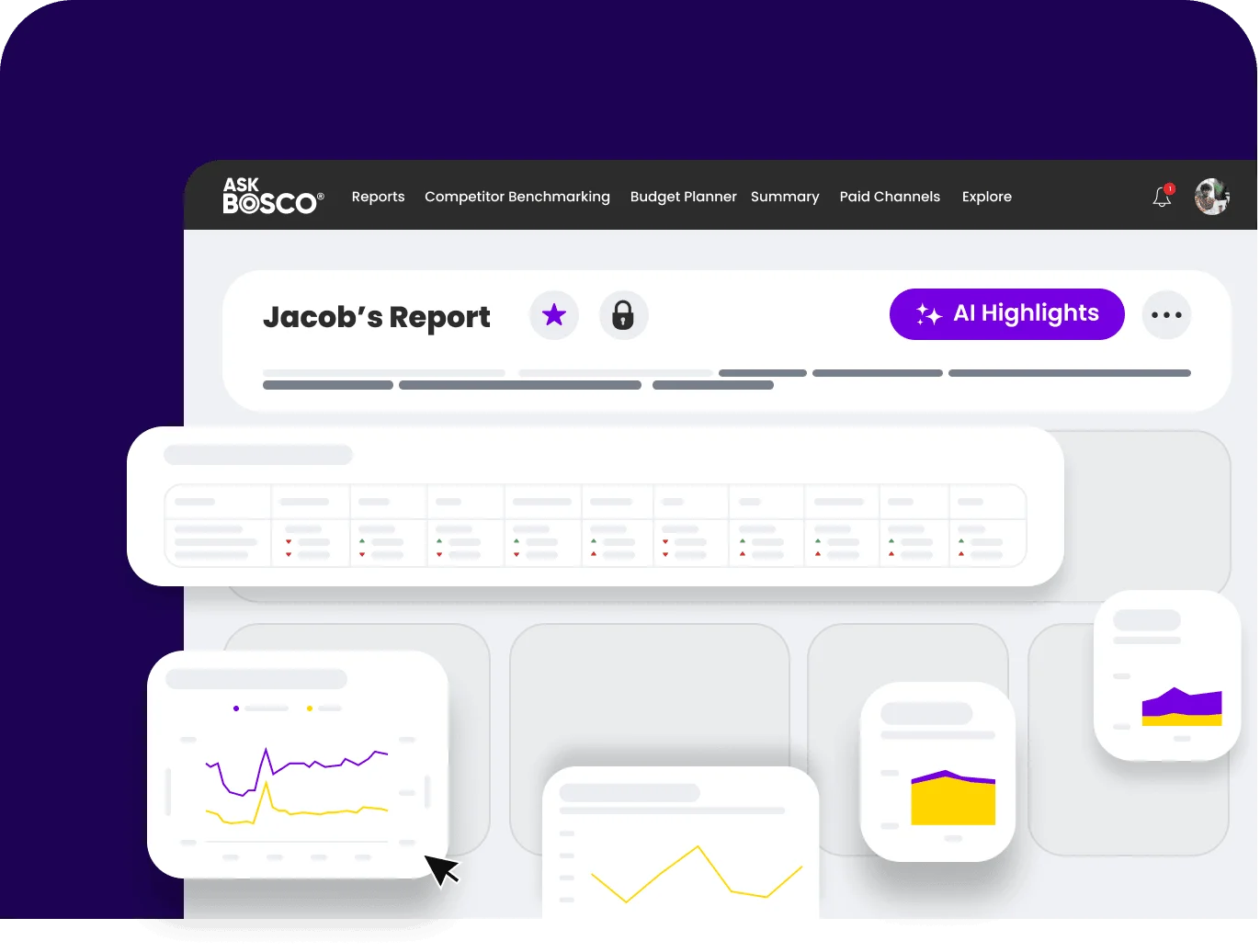
Align with your brand
Say goodbye to reporting errors and hello to a trusted, professional look! With white-label and custom branding options, your reports are bound to keep clients and internal stakeholders impressed and confident. Whether it’s your logo, colours, or style, each report is tailor-made, free of human error, and reliably delivered in no time.
Looking for answers? Just ASK BOSCO®
Can't find the answer to your question? You can always Request a callback from our team of experts!
How do I integrate LinkedIn with ASK BOSCO®?
Getting set up is quick and simple! Once we’ve set you up with your ASK BOSCO® account, all you need to do is:
- Go to https://www.linkedin.com/campaignmanager/
- Click Manage Access under Account Settings.
- Click Add User at the top of the page.
- Enter the Profile URL we have provided you.
- Provide Viewer role permissions.
- Click Add.
Need more help? Get in touch with the team and we can put you on the right track.
Why should I connect LinkedIn with ASK BOSCO®?
Connecting LinkedIn with ASK BOSCO® gives you deeper insights into your ad performance, allowing you to easily track and attribute conversions, forecast your return on ad spend, and benchmark against competitors. Plus, ASK BOSCO® provides AI-powered recommendations to help you make smarter decisions and maximize your LinkedIn ROI.

