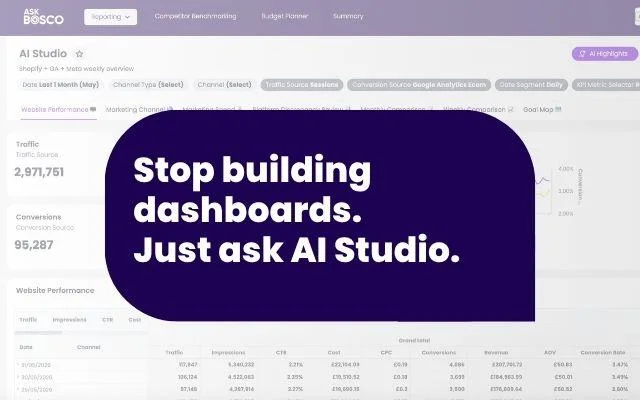
Introducing AI Studio in ASK BOSCO®. Stop manually building dashboards. Just describe what you need and AI Studio builds the whole thing for you.
Building dashboards can be a lengthy job. Firstly deciding which metrics you want to see, then pulling in the right data sources, then building the charts and graphs. Not to mention when you need to make a change or add another metric.
AI Studio takes all that off your plate. You describe the dashboard you want, and it builds the whole thing for you. Want a metric added or something refined? Simply describe what you want.
How AI Studio works
You tell AI Studio which dashboard you want to create in plain English, and it builds the dashboard.
The clever part is you don’t have to know exactly which metrics belong on it. You can just tell it who you are and what you’re trying to do.
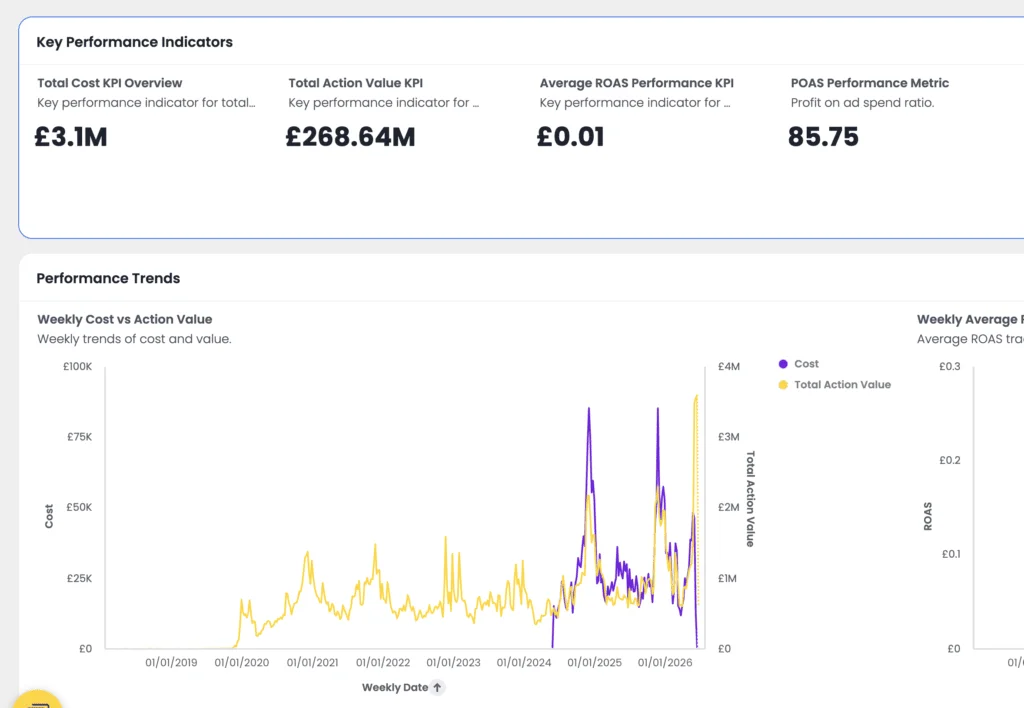
For example: “I’m a trading manager, build me a dashboard that shows how the site is performing day to day, with inventory levels and stock-outs flagged.” Or “I’m a CMO, build me a dashboard I can take into the board meeting that shows weekly spend, ROAS and profit on ad spend across the channels.”
AI Studio works out which metrics matter for that job, pulls the data in, and builds the charts and graphs for you.
You can be specific when you want to be, too. “Create a paid media report with spend, revenue and ROAS broken down by channel.” Or “Set up a dashboard tracking conversion rate, average order value and revenue over time.”
Whether it’s your weekly review, the monthly board report, the always-on view of how a channel is performing. AI Studio builds dashboards you can come back to over and over again. And when something needs to change, you don’t need to go hunting through settings. You can just ask AI Studio. “Add last year as a comparison.” or “Break paid social out into its own section.” “Swap the ROAS bar chart for a trend line.”
Who is AI Studio for?
ASK BOSCO® AI Studio is for anyone who builds dashboards and reports, and anyone who can’t build them at all because they don’t have the tools, time or the technical know-how.
Thac could be the marketing manager who wants to break away from spreadsheets but doesn’t want to manually build a report. Or it could be a small team with no analyst to pass the job to. Or maybe the CEO who knows exactly what they want their dashboard to show, but doesn’t want to spend half a day assembling it.
AI Studio takes away the time, effort and technical skills so that anyone in your team can create the dashboard they need in seconds, just by asking.
Where to find it in ASK BOSCO®
Simply head to the Reporting tab, and you’ll find it in the menu
Tips and Tricks for using AI Studio in ASK BOSCO®
Head to the ASK BOSCO® knowledge hub for articles on how to get the most out of this new feature. Or chat to our team – team@askbosco.io.
See it for yourself: Live demo with our Director of Product
Our Director of Product, Emily Hakner will be running through this new feature on 1st July at 3pm – sign up here.
If you have any questions about ASK BOSCO, please get in touch with our team – we’d love to help!